Terra · Skyline Blog
How to connect Terra to Claude, ChatGPT or Gemini via MCP and run your bookings by chat
Fabián Alvarez3 min read
TL;DR
- Terra is an AI booking engine for tour operators.
- It connects to Claude, ChatGPT or Gemini through MCP, an open protocol.
- By chat you can create itineraries, packages and bookings.
- Prices always come from your catalog; the AI never makes them up.
Terra connects to Claude, ChatGPT or Gemini via MCP. Once connected, you ask your assistant to create itineraries, packages or bookings and Terra creates them using your catalog prices. There is nothing to code: it is a connection you set up once and then use by chat.
What MCP is and why it matters to a tour operator
MCP (Model Context Protocol) is an open protocol that lets an AI assistant — Claude, ChatGPT or Gemini — connect to an external tool and use it as part of the conversation. Instead of copying information between tabs, the assistant reads and creates things directly in the system it is connected to.
For a tour operator this changes the daily routine. A big part of running an operation is translating what a traveler asks for into concrete bookings: dates, people, experiences, prices. With Terra connected via MCP, you do that translation by talking, and the result is created in your booking engine.
What you can do with Terra by chat
Terra exposes your operation to the AI through three main capabilities:
- Create itineraries. You describe the trip — who is coming, how many days, what they like — and Terra builds a day-by-day plan with your experiences.
- Build packages. Several experiences in a single plan, with the value of each one and a single charge.
- Create bookings. A line like "book Guatapé for Mariana on Saturday, two people" becomes a real booking in your calendar.
The important part is that all of this happens on your catalog. The AI does not set prices or invent experiences: it uses what you already published in Terra.
Prices come from the catalog, not from the chat
This is the point that gives operators the most peace of mind. When you ask the AI for a package of three experiences for two people, the total is not computed by the language model: Terra computes it with the rates you have loaded. What the assistant shows you is exactly what the traveler will be charged.
That avoids the classic problem of AI chats: a plausible but wrong number. If an experience is not in your catalog, Terra does not charge for it and the AI tells you, instead of filling the gap with a made-up figure.
How to connect it, step by step
The connection requires no code. It is a three-step process:
- Generate your connection URL in Terra. It is a key tied to your account; you can revoke it whenever you want.
- Paste it into your assistant. In Claude it goes in as a custom connector; in ChatGPT as an MCP connector; in Gemini as an MCP client.
- Start asking. Itineraries, packages, bookings, lookups and changes. Everything lands in your Terra calendar.
Because the connection is tied to your account, the AI only sees your catalog and your bookings. There is no way for it to see another operator's data.
| What you ask by chat | What Terra creates |
|---|---|
| "Build Laura a relaxed 4-day plan" | Day-by-day itinerary with your experiences |
| "Bundle Guatapé, the coffee tour and the chiva" | Package with a breakdown and a single charge |
| "Book Comuna 13 on Sunday for Andrés, 3 pax" | Booking in your calendar at the catalog price |
What changes in the operation
The benefit is not just speed. It is that the conversation with the traveler and the record in the system stop being two separate tasks. You answer the customer and, in the same session, the booking is created. Fewer transcription errors, fewer double bookings, fewer "let me check and get back to you".
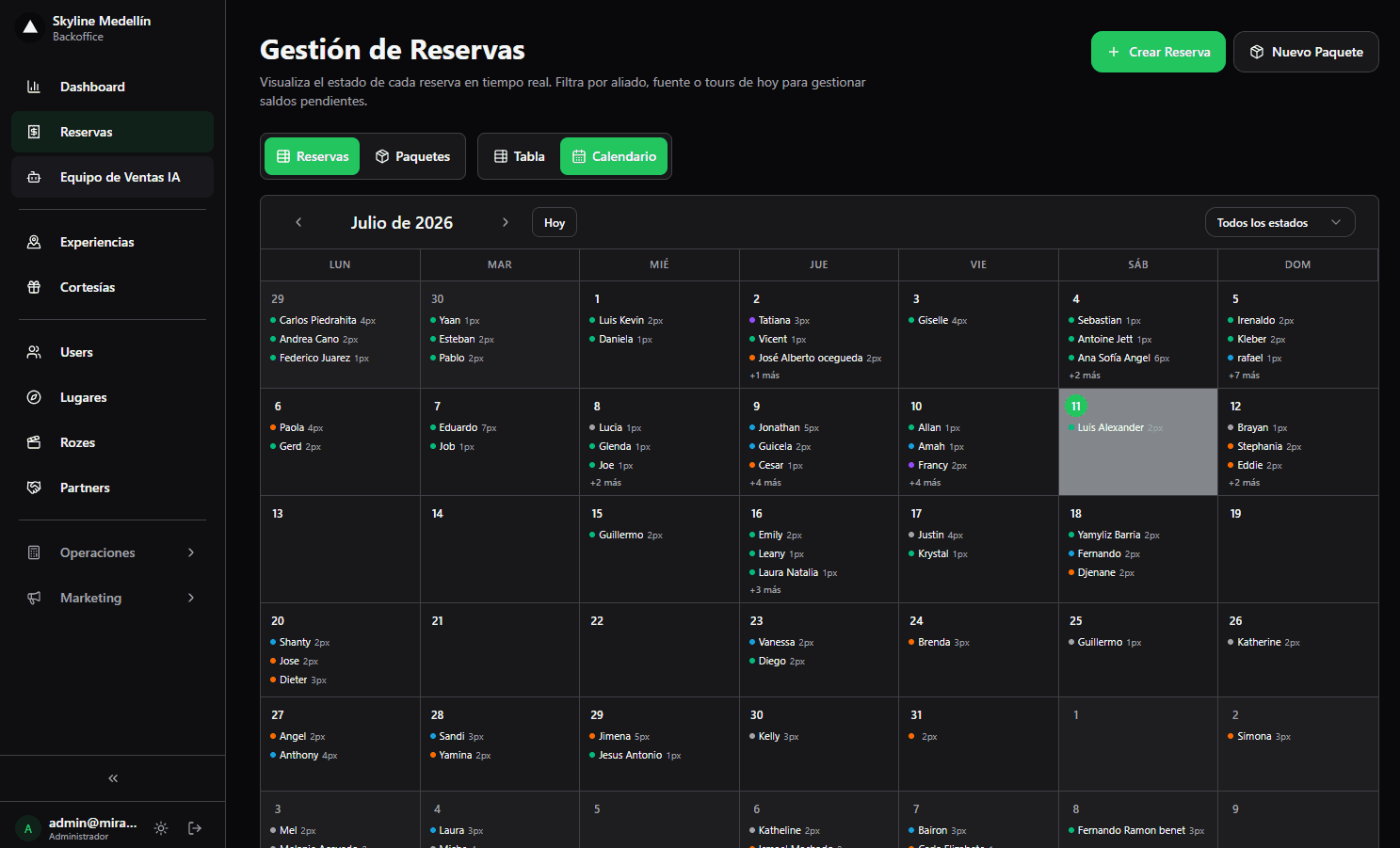
And because Terra is a full booking engine, everything you create by chat lives alongside what comes in through your page or your partners. It is one calendar, fed by several paths.
Who this is for
Terra is built for tour operators who already sell regularly and want the AI to work on their real operation, not on a separate document. If today you sort out bookings on WhatsApp and then type them into another system by hand, the MCP connection is the shortest way to stop doing that.
Frequently asked questions
Do I need to know how to code to connect Terra via MCP?
No. You generate a connection URL in Terra and paste it into your AI assistant as a connector. There is no code involved.
Which AI assistants does Terra work with?
Claude, ChatGPT and Gemini, through MCP (Model Context Protocol), an open protocol.
Can the AI make up prices?
No. Prices for itineraries, packages and bookings are computed by Terra from your catalog. What the chat shows is what gets charged.
Can the AI see other operators' data?
No. The connection is tied to your account: the AI only sees your catalog and your bookings.
Terra
See Terra in action
The AI booking engine for tour operators: bookings, itineraries, packages and payments, operated by chat via MCP.
Request a Terra demo