Terra · Skyline Blog
How to Create Your Page at yourname.skyln.co
Fabián Alvarez7 min read
TL;DR
- Your storefront lives at yourname.skyln.co with your full catalog and unlimited experiences.
- You can choose from 9 visual themes without needing a designer.
- The link works in your social media bio, WhatsApp, email, and with your sellers.
- Whatever gets booked on the storefront flows straight into the operations calendar.
To create your storefront, log into Terra, set your name at yourname.skyln.co, upload your full catalog with unlimited experiences, and choose from 9 visual themes the one that best reflects your brand. Then share the link on social media, WhatsApp, email, or with your sellers, and bookings flow straight into your operations calendar.
What is the Terra storefront and what is it for?
If you run tours in Medellín, Cartagena, or anywhere else, you need a place where a traveler can see your full catalog without depending on you answering a message at eleven at night. That's the storefront in Terra, Skyline's AI booking engine. It's your own page, with your own web address, your own catalog, and your own visual style, ready to share through any channel.
The storefront isn't a generic website you contract separately and then have to sync by hand with your availability. It lives inside Terra. When you update a spot, a price, or add a new experience, the storefront updates itself. That's the difference compared to having a page built on a separate builder and a spreadsheet of availability that never quite matches what's on screen.
An agency in Cartagena selling island tours, walking tours through the walled city, and cooking classes doesn't need three different pages or three different links for each thing. It needs one single place where the traveler sees everything on offer, with photos, prices, and real availability, and can book without leaving that page.
What exactly does the storefront include?
Your own page at yourname.skyln.co with the full catalog, 9 visual themes to choose from, unlimited experiences, and the ability to have sellers with their own URL inside your same account.
Let's break down each piece, because each one solves a different problem you already know well if you've been operating for a while:
- Your own address (yourname.skyln.co): not a generic link with a weird code at the end. It's your name or your operation's name, easy to remember, easy to put on a business card, a vehicle sticker, or the bottom of an email.
- Full catalog: all your experiences in one place, not a separate landing page per tour that you have to update one by one.
- 9 visual themes: you can pick the one that best reflects your brand without needing a designer or any code.
- Unlimited experiences: there's no cap forcing you to choose which ones to upload and which to leave out. A small operator with three tours and a larger one with many more both fit without hitting a wall.
- Sellers with their own URL: if you have people selling for you (an advisor, a partner, someone working on commission), each one can have their own link inside your storefront, so you know where every booking came from.
This doesn't replace your chat-based operation or your internal calendar. It's the public front door that connects to everything else you already do in Terra: itineraries, packages, payments, and the operations calendar.
How do I create my page step by step?
Step 1: Define your storefront name
Before touching anything, decide how you want your address to look: yourname.skyln.co. Think of something short, easy to say out loud, and that matches how your customers already know you. If your operation is called "Valley Tours," try something close to that, not a strange variation nobody will spell right on the first try.
A kayak operator at Peñol, for example, is going to prefer a name people can type from memory after hearing it once, not something they have to jot down on paper.
Step 2: Upload your full catalog
Since there's no limit on experiences, this is the moment to upload everything you sell, not just your star tours. The more complete your catalog, the more options a traveler has to keep buying from you instead of going to look elsewhere. Every experience needs its basic information: name, description, photos, price, and real availability, because that data is exactly what Terra later uses to calculate prices from the server when someone books.
Step 3: Pick one of the 9 visual themes
With the catalog loaded, the next step is appearance. Terra offers 9 visual themes so you can choose the one that most resembles your brand without needing anyone from design. Some practical criteria for deciding:
- Test with your real photos, not the sample ones. A theme can look spectacular with generic stock photos and fall flat with yours if they don't have good light or resolution.
- Think about your typical customer. If you sell luxury experiences, a more minimalist theme usually communicates better than a busy one. If you sell adventure and adrenaline, a theme with more contrast and big photos can work better.
- Check how it looks on a phone. The vast majority of your travelers will come in from their phone, so the theme needs to look good there before it needs to look good on a big screen.
- Don't get stuck on the decision. You can switch themes later if something isn't working; it's not a permanent choice and it doesn't require rebuilding anything.
Step 4: Make sure every experience has the minimum to build trust
Before sharing your storefront, go through each experience and check that it has a photo, a clear description, and a visible price. A storefront with half-filled experiences sends the same signal as a store with empty shelves: distrust, even if the product behind it is good.
Step 5: Add your sellers if you have them
If people sell on your behalf, this is the moment to give each one their own URL inside your storefront. That way you know exactly where every booking came from without having to ask anyone manually, and whoever sells for you has a clean link to share with their own contacts.
How do I share my storefront with travelers?
Once it's ready, your storefront link works on any channel where you already have a presence. You don't need a special campaign to start using it:
- On social media, put it in your Instagram or TikTok bio instead of a generic scheduling link.
- On WhatsApp, when someone asks "what tours do you have?", instead of typing a long list of text, send the storefront link and let the person browse at their own pace.
- In email, add it to the signature of your operations emails, so every exchange with a supplier or partner also becomes a chance for them to see your catalog.
- With your sales team, if you have people selling on your behalf, each one can share their own URL inside your storefront, and you know which booking came from whom without having to ask.
An agency in Cartagena that's just starting with Terra can, in the same week, put the link in its Instagram bio and in the email signature of its sales team. It doesn't take a complex strategy; it takes making sure the link is everywhere there's already traffic.
Does the storefront replace my website?
It depends on what stage your operation is at. If you don't have a website yet, the storefront fills that role: a visible catalog, online bookings, and an easy-to-share address, with no need to hire development work. If you already have your own site with more content (blog, brand story, team), you can keep the storefront as the specific place you send traffic to when the goal is for the person to book, while your main website focuses on telling your story.
What matters is that you don't end up with two catalogs to maintain separately. If your website already shows tours with prices, it's worth asking whether it's better to point directly at the storefront and stop duplicating the work of keeping availability in two places at once.
What happens after someone books from the storefront?
The booking goes straight into Terra's operations calendar, together with your guides, departures, travelers, and payments. You don't need to copy anything by hand from the storefront into another system. That's what sets a connected booking engine apart from a static page: what the traveler sees and what you operate is exactly the same thing, with no steps in between.
What to do now
Log into Terra, define your storefront name, upload your full catalog, and test the 9 themes with your own photos before picking one. Then put the link in your Instagram bio and in your email signature this week, and check how many bookings have come in from it after some time.
More about Terra: terra.skyln.co
Frequently asked questions
How much does it cost to have a storefront in Terra?
The storefront is part of what Terra offers as a booking engine, not a separate product you contract on its own. It's available together with the catalog, the calendar, and the rest of Terra's operations features.
Can I change the visual theme after choosing it?
Yes, you can switch between the 9 visual themes whenever you want without losing your catalog or your configuration. It's not a permanent decision, so you can test and adjust over time.
Is there a limit on how many experiences I can upload to my storefront?
No, Terra's storefront allows unlimited experiences. You can upload your entire catalog, from your star tour to the smallest experiences you offer.
What happens if I have sellers who sell my tours on their own?
Each seller can have their own URL inside your same storefront, so you know where every booking came from without having to ask manually.
Does the storefront replace my current website?
It depends on your case: if you don't have a website, the storefront fills that role with a catalog and online bookings. If you already have a site with more brand content, you can use the storefront specifically as the place you send traffic to for booking.
Terra
See Terra in action
The AI booking engine for tour operators: bookings, itineraries, packages and payments, operated by chat via MCP.
Request a Terra demo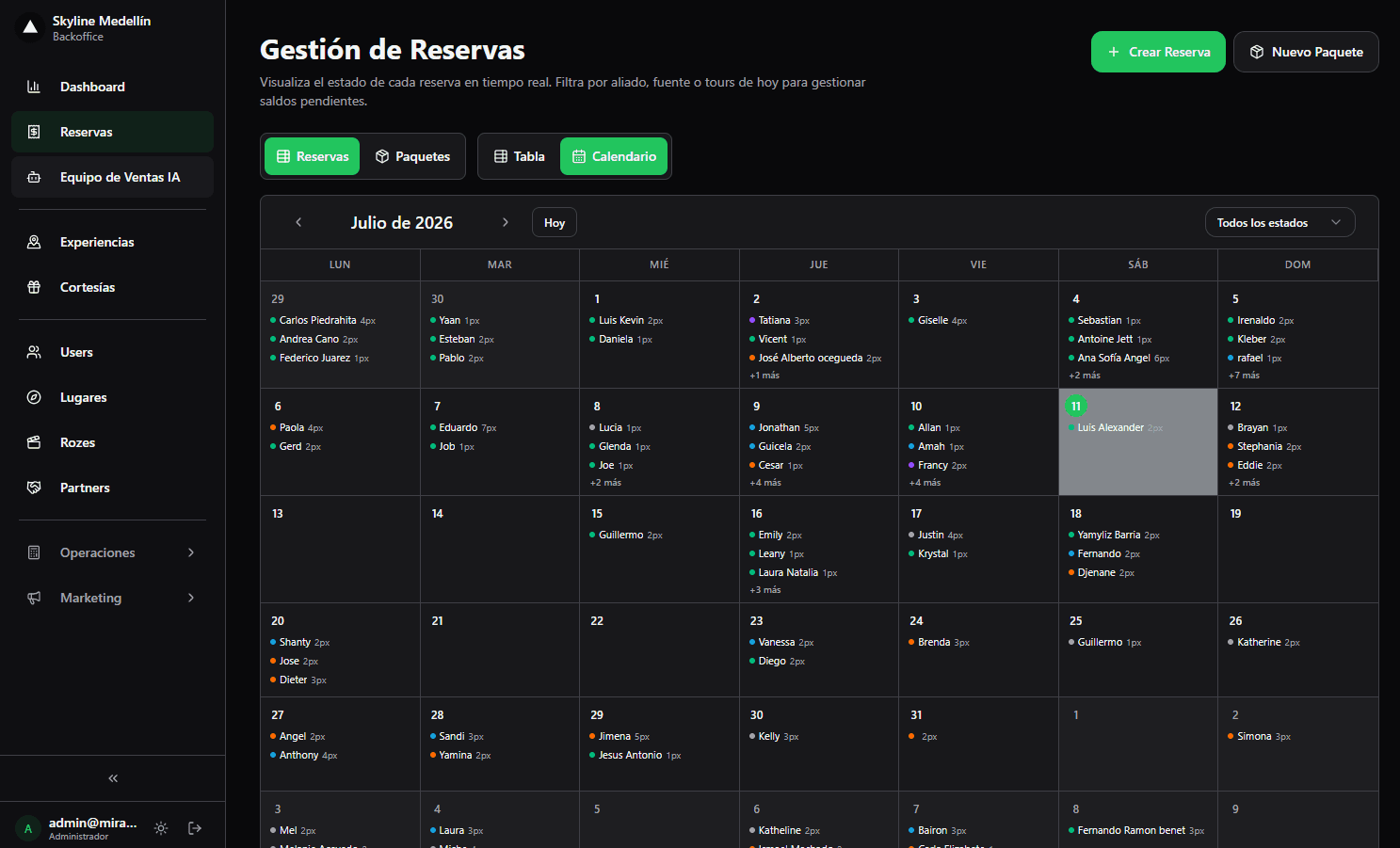
Related · Terra
How to Give Each Seller Their Own Sales URL
Each seller gets their own URL inside the same storefront and catalog as the operator.
ReadConnected Tour Operations: Bookings, Guides and Cash as One
Separating sales from operations forces manual reconciliation on every tour departure.
ReadHow to Create a Booking by Pasting a WhatsApp Chat
You paste the customer's WhatsApp chat into Terra and the AI pre-fills name, date, people and experience.
Read